There are two ways to get online in Bali: roaming with your own SIM or a local SIM card with IMEI registration. Rules, common mistakes, and a checklist are here.
How do you get internet and a SIM card in Bali? There are two ways: using roaming with your own line, or getting a local SIM card and registering its IMEI. For tourists staying less than 90 days, registration is done at the operator's service store (gerai); no separate customs registration is required. This page covers the options, the steps, and a pre-departure checklist.
In brief
- For stays under 90 days, there are two options: roaming with your own line, or a local SIM with IMEI registration.
- For a local SIM, IMEI registration is done at the operator's service store (gerai); no separate customs registration is required.
- For stays longer than 90 days, registration is done via the Bea Cukai website or the Mobile Bea Cukai Android app.
- Before departure, get your phone unlocked, set a roaming limit, and plan for verification SMS messages.

The essence of the rule: there are two options
Indonesian Customs (Bea Cukai) offers two options for foreign tourists staying less than 90 days. The first is to use your own country's SIM card for the duration of your stay; this is called roaming. The second is to use a local SIM card and have the IMEI registered at the operator's store.
Turkish citizens can enter Indonesia visa-free, with a permitted stay of 30 days. So as a holidaymaker, you will be well under the 90-day threshold; the short-stay rule applies to you. For current entry requirements, see the Indonesia visa page.
According to Customs' official account, tourists staying less than 90 days do not need to register their IMEI through customs. If you're getting a local line, you go to the store of the operator you'll use.
Ask yourself: do I want my Turkish number to stay active, or do I want a separate local number? The first answer points to roaming, the second to a local SIM. Fees vary by operator and package; this article does not provide prices, so check current rates through the operator's own channels.
Option 1: Roaming with your own line
Roaming is the quickest way to get online without needing a new SIM, visiting a store, or registering anything. Your Turkish number stays active; bank verification SMS messages and incoming calls aren't interrupted. It's a sensible choice if you're staying briefly and only need maps, messaging, and booking apps.
Before you leave
- Confirm with your operator's app or call center that international roaming is enabled.
- Ask whether there's a roaming package for Indonesia, and what its coverage and duration are.
- Find out whether usage beyond the package is charged extra; set a spending limit if possible.
- Turn off apps that use data in the background (cloud backup, automatic updates).
Things to watch for
With roaming, the local network you connect to is your operator's partner network; speed and coverage can vary by area. If you'll be using a lot of data, or uploading photos and videos, compare the roaming package against a local SIM using current rates you find yourself. Before deciding, make sure your phone isn't locked for use abroad.

Option 2: Local SIM card and IMEI registration
A local SIM means an Indonesian number and a local operator rate. For foreign tourists staying less than 90 days, the rule is as follows: to access the Indonesian network, IMEI registration is done at the operator's service store (gerai). That means when you buy the SIM, or shortly after, you need to have your phone's IMEI number registered. If registration isn't done, there's a risk the device won't work on the local network.
What is an IMEI and where do you find it
The IMEI is your phone's identity number. You can see it by dialing `*#06#` on the call screen; it's also listed under device information in settings. Dual-SIM phones show more than one IMEI; tell the store which one you'll be inserting the SIM into.
At the store
- Bring your phone and your passport; have documents ready in case the staff asks.
- Make sure your phone's carrier lock is unlocked.
- Don't leave the store until staff confirm registration is complete and the line is working.
The required documents and order of operations may vary in detail by operator; ask before the process begins.
If you're staying longer than 90 days
Since the visa-free stay is 30 days, it's not a typical scenario for a Turkish tourist to stay longer than 90 days. Still, if you're staying longer under a different permit, the rule changes. Foreign tourists staying longer than 90 days register their IMEI not at the operator's store, but via the Bea Cukai (Customs) website or the Mobile Bea Cukai Android app. This registration applies to a maximum of 2 devices per passenger.
Practical implications:
- If you use an iPhone, since the app is Android-only, you'll need to use the website route.
- If you're carrying more than two devices, decide in advance which ones you'll put local SIMs into.
- Your length of stay must not exceed the permit's duration; see our Indonesia page for permit conditions.
If you're going on a short holiday, this section doesn't concern you; one of the two options above is sufficient. If you're planning a long stay, read the current steps on the Customs page before your flight, as registration screens and required information may change.
Common mistakes
Most internet problems in Bali stem from knowing only half the rule.
- Getting a local SIM but skipping registration. The fact that customs registration isn't required doesn't mean IMEI registration at the operator's store is unnecessary. If you're using a local line, get this registration done.
- Mixing up the two routes. In-store registration is for stays under 90 days; the Customs website or app is for stays over 90 days.
- Boarding the plane without enabling roaming. Calling the call center after landing is often difficult and expensive abroad.
- Not setting a limit. Once the package quota runs out, extra usage may be charged; find out your operator's rule.
- Removing your Turkish SIM and forgetting verification SMS messages. Bank and app codes are sent to your Turkish number. If you have dual SIM, keep both active together.
- Arriving with a locked phone. The carrier lock can block a local SIM; get it unlocked before departure.
If a rule isn't covered in this article, don't guess — check the current announcement from your airline, operator, or Customs.
Step by step: setting up connectivity in Bali
- Clarify your length of stay. If it's a short holiday (within the 30-day visa-free stay), the under-90-day rule applies.
- Decide on an option. If you want your Turkish number to stay active, choose roaming; if you want a separate number, choose a local SIM.
- Prepare your phone. Get the carrier lock removed, note down the IMEI number, and finish software updates at home.
- For roaming: Enable international usage and your package before departure, and set a limit.
- For a local SIM: Go to the operator's service store (gerai), get the SIM, and have the IMEI registered; test that the line works in the store.
- Test the connection. Open your maps, messaging, and booking apps before leaving the store.
- Know your backup plan. Don't rely on hotel or café networks; keep critical documents saved offline.
If you're traveling with an organized program, check the hotel and transfer information on tour pages like Wonderland Bali - Ubud Tour Route, and ask your advisor about internet needs when booking. For all options, see Indonesia tours.
Checklist before you set off
Review this list before heading to the airport:
- Your passport and visa status are ready; current requirements are on the Indonesia page.
- Your stay is planned for less than 90 days; if not, you've researched the Customs website or Mobile Bea Cukai app route.
- Your phone's carrier lock is removed and the IMEI number is noted down.
- If you chose roaming, international usage is enabled, a package is selected, and a limit is set.
- If you chose a local SIM, you know you'll register the IMEI at the operator's store.
- You have a plan for verification codes sent to your Turkish number.
- Maps, tickets, and bookings are saved offline.
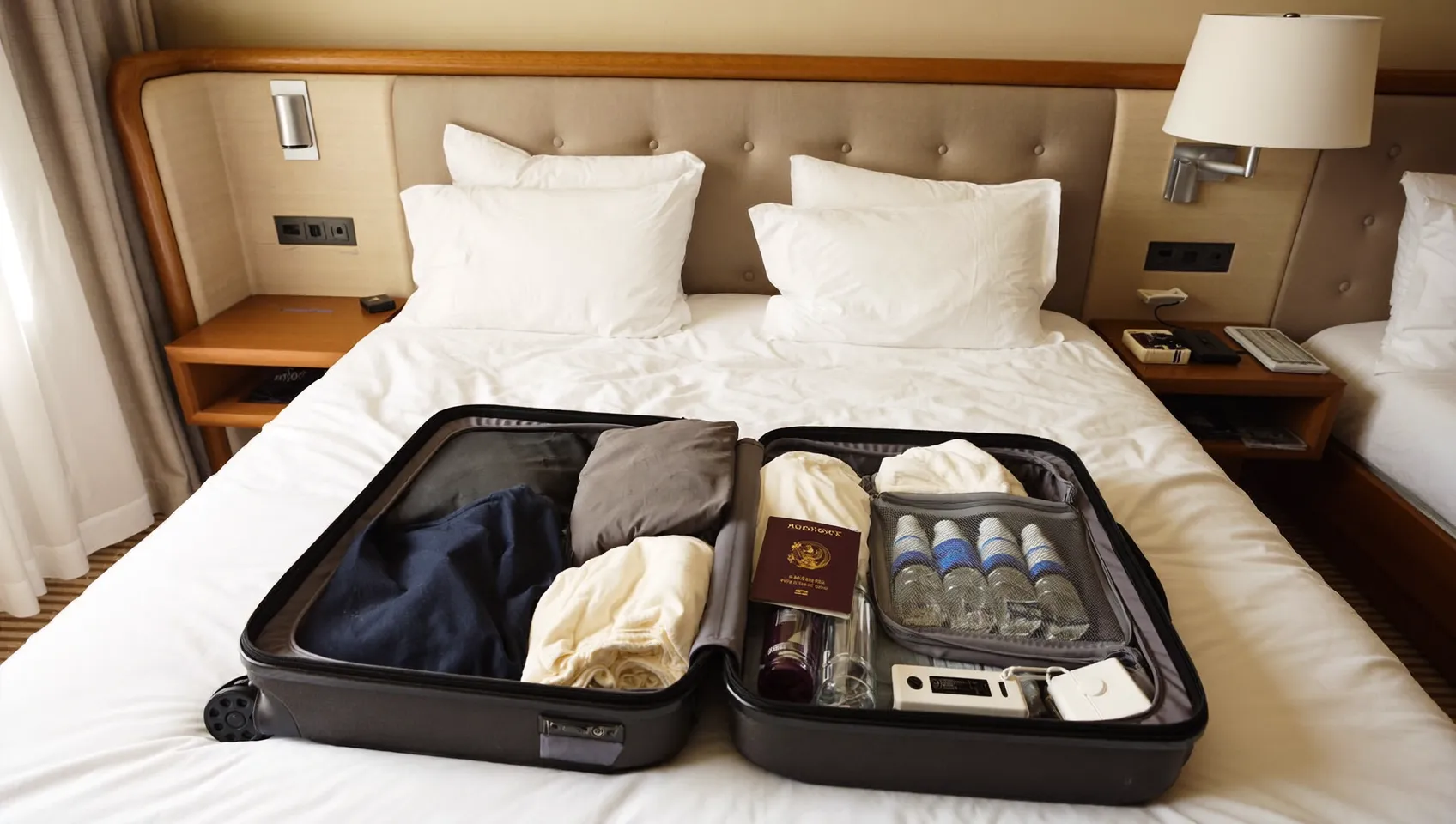
- A power bank and the right plug adapter are in your luggage.
For other preparations such as documents, tickets, insurance, and luggage, also check our international travel checklist. The information on this page is based on Bea Cukai (Customs) announcements; operator procedures may change, so confirm the current situation before your flight.
Frequently asked questions
Is it mandatory to get a SIM card in Bali?
No. Tourists staying less than 90 days can use their own country's SIM card via roaming. If you want a local number, you can get a local SIM and have the IMEI registered at the operator's store.
Is IMEI registration required in Bali?
Yes, if you'll be using a local SIM; for stays under 90 days, registration is done at the operator's service store (gerai). According to Customs' official account, no separate customs registration is required for these short stays. If you're using roaming, IMEI registration doesn't come into play.
If I stay longer than 90 days, how do I register my IMEI?
You do it via the Bea Cukai (Customs) website or the Mobile Bea Cukai Android app. This registration applies to a maximum of 2 devices per passenger. For Turkish tourists, the visa-free stay is 30 days; for longer stays, check the permit conditions separately.
Is roaming or a local SIM more sensible in Bali?
For short stays and light usage, roaming is more practical; your Turkish number also stays active. For longer stays or heavy data use, compare the local SIM option using current rates. Since fees vary by operator, check pricing directly with operators.
Do I need a visa to go to Bali?
Indonesia is visa-free for Turkish citizens, with a permitted stay of 30 days. This information is based on an official source and was verified on August 1, 2026. Check the current status on our country page before traveling.
What should I do if my phone doesn't work with a local SIM?
First, confirm at the store that the carrier lock is removed and the IMEI registration is complete. If the problem continues, ask for support at the same store. As a backup, keep your Turkish line active for roaming.
Sources
- Registrasi IMEI — ngurahrai.beacukai.go.id
- #BeaCukaiMakinBaik on X: "@maemai24 Halo, Kak. Apakah turis asing yang dimaksud akan berkunjung ke Indonesia kurang dari — x.com
- Turis Asing Tinggal di Indonesia Kurang 90 Hari, Perlu Daftar IMEI? — news.ddtc.co.id
My Travel Team
Travel Editor
The My Travel team prepares up-to-date travel, visa and tourism information and guides.